Where we left off
Every earlier lesson had you click Playground to try a flow once. This lesson looks at what that panel actually is: not a special preview mode, just a chat UI that calls the same run your lesson.py files call, over and over, once per message you send.
Do this yourself
- Build the flow from Lesson 2 again (or reopen it): Chat Input -> Google Generative AI -> Chat Output.
Open Playground. Send a few different messages, one at a time, watch each response come back with a "Finished in" timing and a token count, like this:
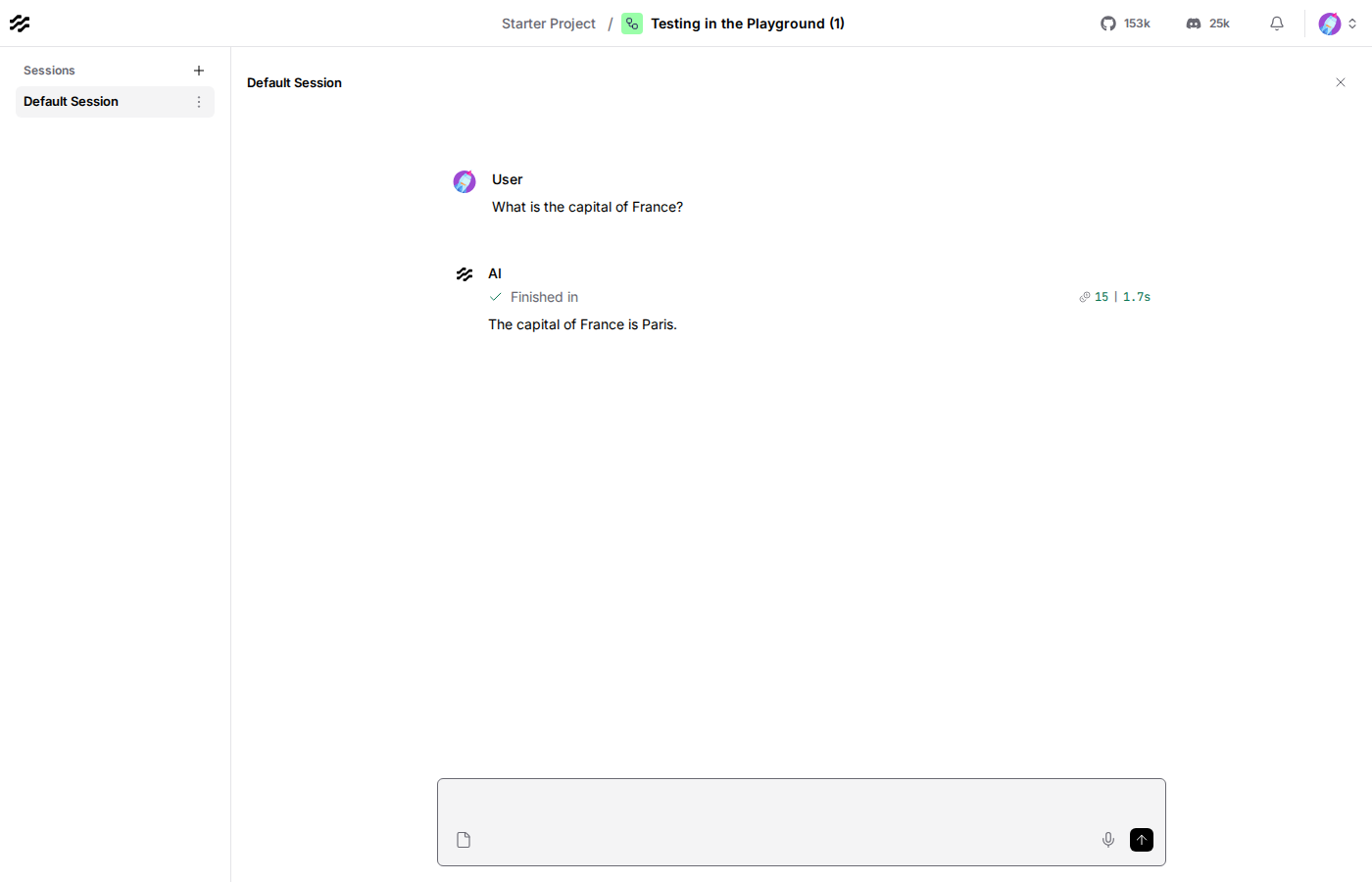
- Ask something, then in your very next message ask "what did I just ask you?". Notice it doesn't know, each message you send is a fresh run of the flow, Lesson 8 is what actually fixes this.
The code, piece by piece
questions = [ "What's your name?", "What's the capital of France?", "Do you remember what I just asked you?",]for question in questions: result = run_flow_from_json(flow=str(FLOW_PATH), input_value=question) answer = result[0].outputs[0].messages[0].message print(f"> {question}") print(f"{answer}\n")This loop is the Playground, minus the chat bubbles. Every message you type there triggers exactly one more call like this, the same flow loaded and run fresh, your new text as input_value. There's nothing the browser does here that this code doesn't: no shared memory between calls, no special preview-only behavior, it's the identical headless path every earlier lesson already used, just called more than once.
Checkpoint
- Playground: a chat UI over the same run path every lesson's code already uses, one flow execution per message sent, nothing special happening underneath.
- no memory between runs, by default: each call to
run_flow_from_json(or each Playground message) is a clean, independent execution, not a continuing conversation.
If anything here still feels unclear, ask before moving to Lesson 7.